
Custom WooCommerce plugins vs stacking third-party ones
Install a third-party plugin when it solves a well-defined, common problem and is actively maintained. Write a custom plugin when your requirement is specific to your business, when you would otherwise stack several overlapping plugins, or when the logic is important enough that you need to be able to read, test and roll it back yourself.
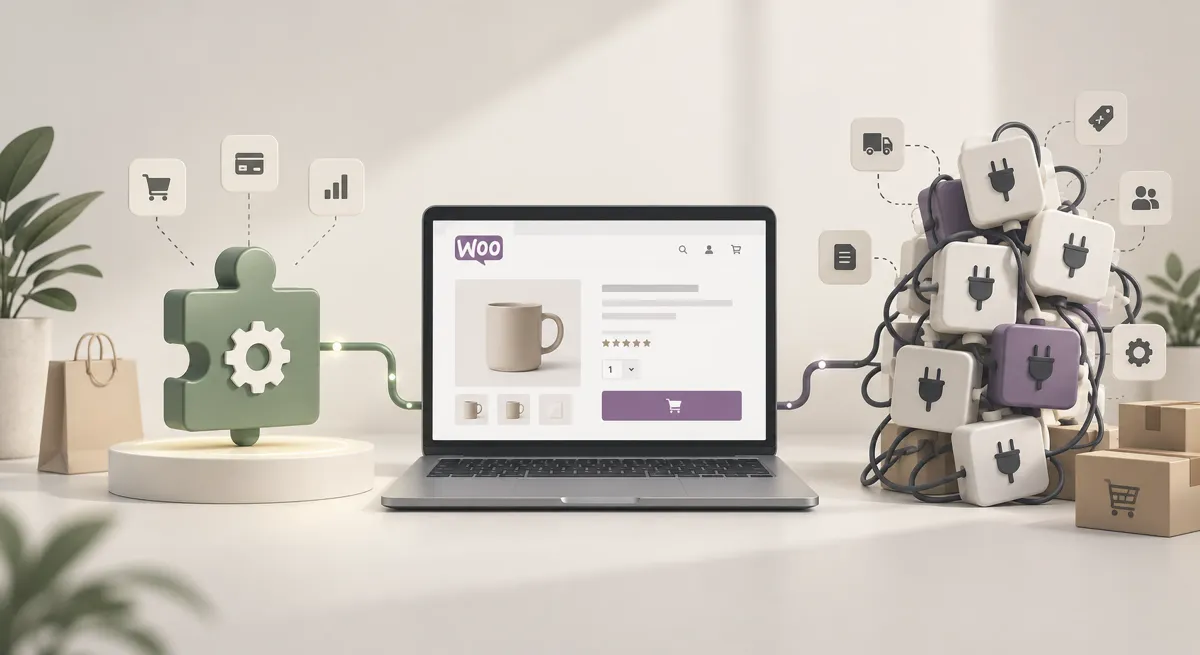
WooCommerce’s plugin ecosystem is genuinely one of its strengths. It is also the most common route by which a maintainable store becomes an unmaintainable one.
The test we apply
Before installing any plugin on a client store, we ask one question:
Would fifty lines of custom code do this?
If yes, we write the fifty lines. Not because writing code is inherently better, but because fifty lines we wrote can be read, understood, tested, and removed. A plugin cannot always be any of those things.
That is the whole heuristic. Everything below is elaboration.
What a plugin actually is
A plugin is code written by somebody else, running inside your store, with full database access and the ability to modify almost anything.
Most of the time that is fine — the ecosystem contains excellent, well-maintained work. But it is worth being clear about what installing one means, because “just install a plugin” is said far too casually.
When a third-party plugin is the right answer
Install one when the problem is common, well-defined, and solved better than you would solve it.
Good candidates:
- Payment gateway integrations, which need PCI knowledge and ongoing certification work
- Subscription billing, where dunning and failed-payment recovery are genuinely hard
- Established shipping carrier integrations
- Security and backup tooling
- Anything requiring a maintained relationship with an external API
The common thread: these are problems where somebody else’s specialised, continuously-maintained work is genuinely better than yours would be. Writing your own payment gateway would be a poor use of anyone’s budget.
When custom is the right answer
Write your own when the requirement is specific to your business.
Good candidates:
- Pricing rules unique to how you trade
- Order routing based on your own operational logic
- Integrations with systems you use that have no existing plugin
- Any requirement where the nearest plugin does 70% of it and you would have to bend your process to fit
- Anything where you would otherwise install three plugins that each do part of it
That last one matters most. Three overlapping plugins is worse than one custom plugin, because nobody can then say which one owns a given behaviour when it misbehaves.
Where custom code belongs
In a versioned plugin. Not in the theme’s functions.php.
This is not a stylistic preference. Code in functions.php dies with the theme — change or update the theme and your business logic vanishes with it. Code in a plugin survives theme changes, can be code-reviewed properly, deployed independently, and rolled back on its own.
It costs nothing extra to do it correctly and it saves an entire category of incident. We have inherited stores where critical pricing logic lived in a child theme nobody had documented, discovered only when the theme was updated.
Evaluating a plugin before installing
If a third-party plugin is the right call, check:
- When was it last updated? Six months is fine. Two years is a warning.
- Does the developer answer support threads? An unanswered forum is the clearest signal available, and a better indicator than install count.
- Is it compatible with your WooCommerce and PHP versions? Explicitly stated, not assumed.
- What does it load on the front end? Some plugins add scripts sitewide for admin-only functionality.
- What happens if it disappears? If the developer stops maintaining it, how hard is it to replace or remove?
That fifth question is the one nobody asks, and it is the one that matters in three years.
The accumulation problem
The failure we see most often is not one bad plugin. It is forty plugins where:
- Three do broadly the same job
- Two were abandoned by their authors years ago
- Several were installed for something that ended
- Nobody can say which one owns the checkout behaviour that is misbehaving
None of those plugins was a bad decision individually. The set is a bad outcome collectively, and it happened because each addition was evaluated alone.
Review the whole list periodically, not each addition in isolation.
A practical policy
- Ask whether fifty lines would do it
- If installing, evaluate against the five questions above
- Put custom logic in a versioned plugin, never the theme
- Delete rather than deactivate
- Review the full plugin list quarterly and remove what is unused
- Document what each remaining plugin is for, so the next person knows
Unglamorous, and the difference between a store that is still maintainable in five years and one that is rebuilt in three.
What a well-built custom plugin looks like
If you are commissioning one, these are reasonable expectations.
It is a plugin, with a proper header, activation and deactivation hooks, and an uninstall routine that cleans up after itself. Code that leaves database rows behind on uninstall is part of the accumulation problem, not a solution to it.
It does one thing. A single plugin containing pricing logic, an integration and three unrelated tweaks is harder to reason about and impossible to remove selectively.
It follows WordPress coding standards, so any competent WordPress developer can pick it up. Bespoke code written in a house style nobody else recognises is a lock-in of a different kind.
It is version controlled and deployed, not edited on production through the file manager.
It is documented, at minimum a README explaining what it does, why it exists, and what depends on it. Six months later this is the difference between a five-minute change and an afternoon of reading code.
It handles failure. External API down, unexpected data, missing configuration — it should degrade rather than break the store.
Auditing what you already have
For an existing store where nobody is sure what is running:
- Export the plugin list with versions, last-update dates and active status.
- Flag anything not updated in over a year. Check whether the developer is still active.
- Identify overlaps. Group plugins by what they do; anywhere two appear in the same group, one is probably removable.
- Find the custom code. Check the theme’s
functions.php, any child theme, and any plugin with a name matching your business rather than a vendor. - Test removals on staging, one at a time, with a way back.
- Document what survives and why.
That process typically removes a third of the list on a store that has been running for a few years, and it makes everything after it easier — updates, debugging, and onboarding whoever maintains it next.
The short version
Ask whether fifty lines would do it. Put anything bespoke in a versioned plugin rather than the theme. Check the last update date and the support forum before installing anything. Delete what you are not using rather than deactivating it. Review the whole list quarterly rather than evaluating each addition alone.
Six rules, and following them is most of the difference between a WooCommerce store that stays maintainable and one that gets rebuilt.